Running a WooCommerce store is about helping customers find what they want. When shoppers land in your store, they usually have a clear browsing preference. Some want the cheapest option, while others look for top-rated products. And many want to see what’s new.
If your store doesn’t support smart product sorting, customers are left scrolling through long product lists, guessing which option suits them best. That friction often leads to abandoned sessions and missed sales. Smart product sorting solves this problem by giving shoppers control over how products are displayed, and that control directly impacts conversions.
Why Product Sorting Matters for WooCommerce Stores?
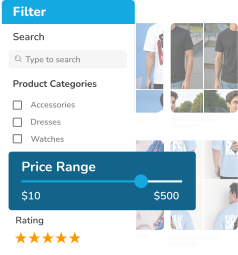
As your product catalog grows, navigation becomes more challenging. Without clear sorting options, even high-quality products can get buried. Customers may feel overwhelmed, especially when they are short on time. Smart product sorting allows shoppers to organize products based on what matters most to them:
- Price
- Ratings
- Popularity
- Newest arrivals
This simple feature can dramatically improve the overall shopping experience and make browsing feel effortless instead of frustrating.
How Smart Product Sorting Boosts Conversions?
Smart product sorting plays a major role in how customers experience your WooCommerce store. When shoppers can organize products in a way that matches their intent, the entire buying journey becomes smoother and more enjoyable.
- Faster decisions: Instead of scrolling through dozens of products, customers can instantly rearrange items based on:
- Price
- Rating
- Newest arrivals
This saves time and reduces frustration, helping shoppers reach a decision more quickly.
- Better product discovery: High-value products don’t get lost in long product lists, making it easier for customers to find what fits their needs. Sorting highlights the products that matter most, including:
- Top-rated items
- Bestsellers
- Premium options
- Lower bounce rates: When navigation feels effortless, shoppers are more likely to stay and explore. Clear sorting options reduce confusion and keep visitors engaged, especially in stores with large catalogs.
- Improved trust and confidence: Sorting by ratings or popularity provides social proof. When customers see that others have rated or purchased a product, it builds confidence and reduces hesitation during checkout.
Together, these benefits create a smoother browsing experience that keeps users engaged and encourages interaction. Ultimately, smart sorting leads to higher conversions and increased sales.
Where Default WooCommerce Sorting Falls Short?
WooCommerce offers basic product sorting options such as price, popularity, rating, and newest items. While these features are useful for small stores, they often lack the flexibility needed for growing or advanced shops. Store owners quickly run into limitations when trying to create a truly customized shopping experience. Common challenges include:
- Limited control over where and how sorting options appear in the store.
- Inability to customize sorting logic based on business needs.
- No built-in support for sorting using custom fields or advanced product data.
- Inconsistent behavior across different themes and layouts.
As your store grows, these restrictions can lead to poor product discovery, reduced user experience, and missed sales opportunities. This makes advanced sorting and control essential for scalability and success.
Powering Smart Sorting with SearchFilterSort
SearchFilterSort for WordPress and WooCommerce is designed to overcome these limitations. It gives store owners full control over product sorting while keeping everything simple and user-friendly. With SearchFilterSort, you can offer sorting options such as:
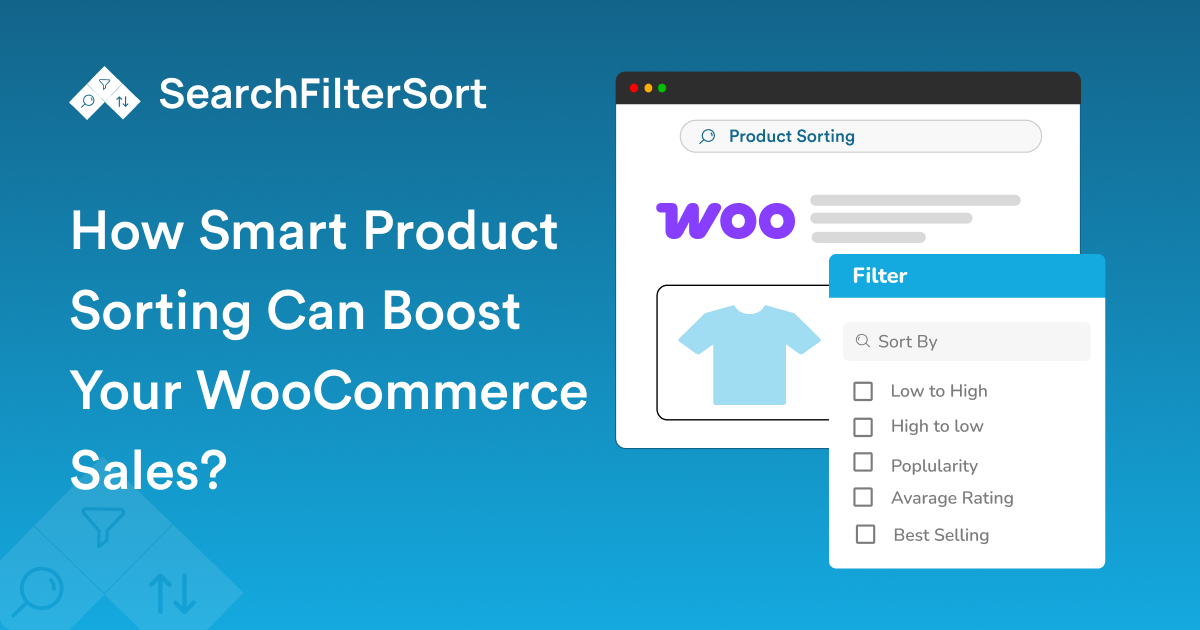
- Price (low to high or high to low)
- Product ratings
- Popularity and sales
- Newest arrivals
- Custom product fields
Sorting updates instantly and works seamlessly with any WooCommerce theme, ensuring a smooth and modern shopping experience for your customers.
Best Practices for Using Product Sorting Effectively
To get the most value from smart sorting, keep the experience clean and intuitive. So, place the sorting options where customers expect them, usually above the product grid. Use clear labels that are easy to understand and avoid offering too many choices at once. Combining sorting with filters can further enhance browsing, especially for large catalogs. And as always, make sure the sorting experience works just as well on mobile devices as it does on desktop.
The Real Impact on Sales
WooCommerce stores that use smart product sorting often see noticeable improvements in customer engagement and conversions. When shoppers find what they’re looking for faster, they’re more confident in their decisions and more likely to complete a purchase. Smart sorting doesn’t just improve usability, it directly supports revenue growth by making the buying journey easier and more enjoyable.
Conclusion
Smart product sorting is a powerful yet often overlooked way to boost WooCommerce sales. By giving customers control over how products are displayed, you remove friction and improve trust. This creates a smoother shopping experience.
With SearchFilterSort for WordPress and WooCommerce, implementing advanced product sorting is simple, flexible, and effective. If you want to help customers find the right products faster and turn more visits into sales, smart sorting is a must.
Ready to improve your WooCommerce store?
FAQs
1. What is smart product sorting in WooCommerce?
Smart product sorting gives shoppers more control and helps them find the right products faster. It allows customers to organize products based on preferences such as:
- Price
- Rating
- Popularity
- newest arrivals
2. Does product sorting really affect WooCommerce sales?
Yes, product sorting really affects WooCommerce sales. Because, when customers can browse products more easily, they do the following:
- Make faster decisions
- Stay longer on your site
- Are more likely to complete a purchase
These actions lead to higher conversion rates in WooCommerce.
3. Can I add advanced product sorting without coding?
Yes, with SearchFilterSort for WordPress and WooCommerce, you can set up advanced sorting options using a simple, visual interface. That too, without any coding skills.